

Tired of calling plumbers during your lunch break only to get voicemail? Spending your evening on hold with HVAC companies? The new Google Ask for Me appointments feature lets AI assistants handle the phone tag for you — booking appointments, checking availability, and confirming details while you focus on actual life. Here’s how it works, when to use it, and what Metro Atlanta residents need to know.
📌 The Essentials
- Time savings: With Google Ask for Me appointments, you can book a local service in 3 minutes instead of 22 — AI handles phone tag while you focus on actual life.
- Best for: Emergency repairs (plumber, HVAC), routine services (oil changes, pet grooming), or when you’re too busy to spend 30 minutes on hold.
- How to activate: Tell Google Assistant: “Find a [service] who can [task] [timeframe]” — the AI calls multiple businesses simultaneously and books the best option.
- Not recommended for: Complex custom projects (built-in bookshelves, kitchen remodels) that require detailed human-to-human consultation.
Available now for Metro Atlanta residents via Google Assistant on Android and iOS. No setup required.
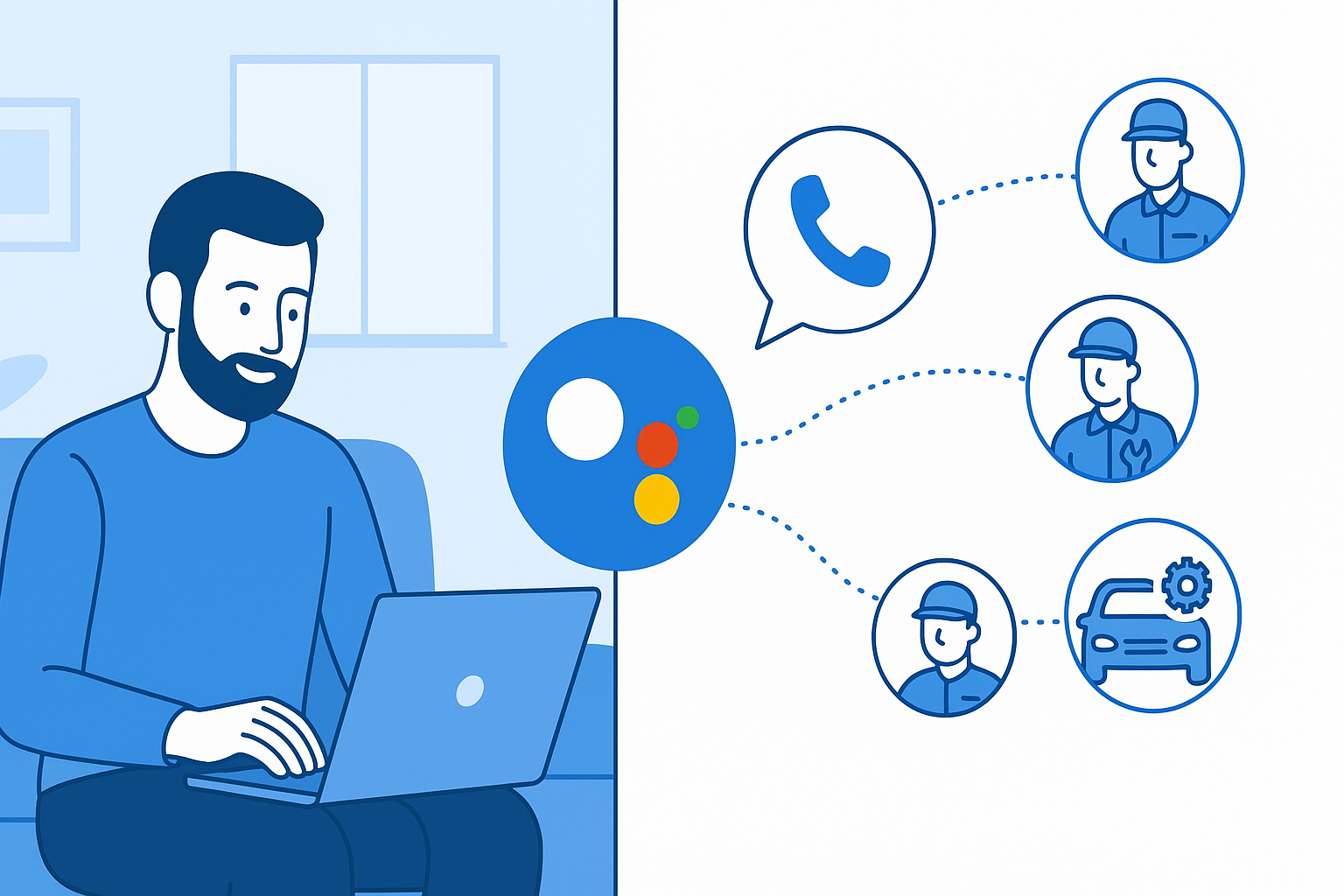
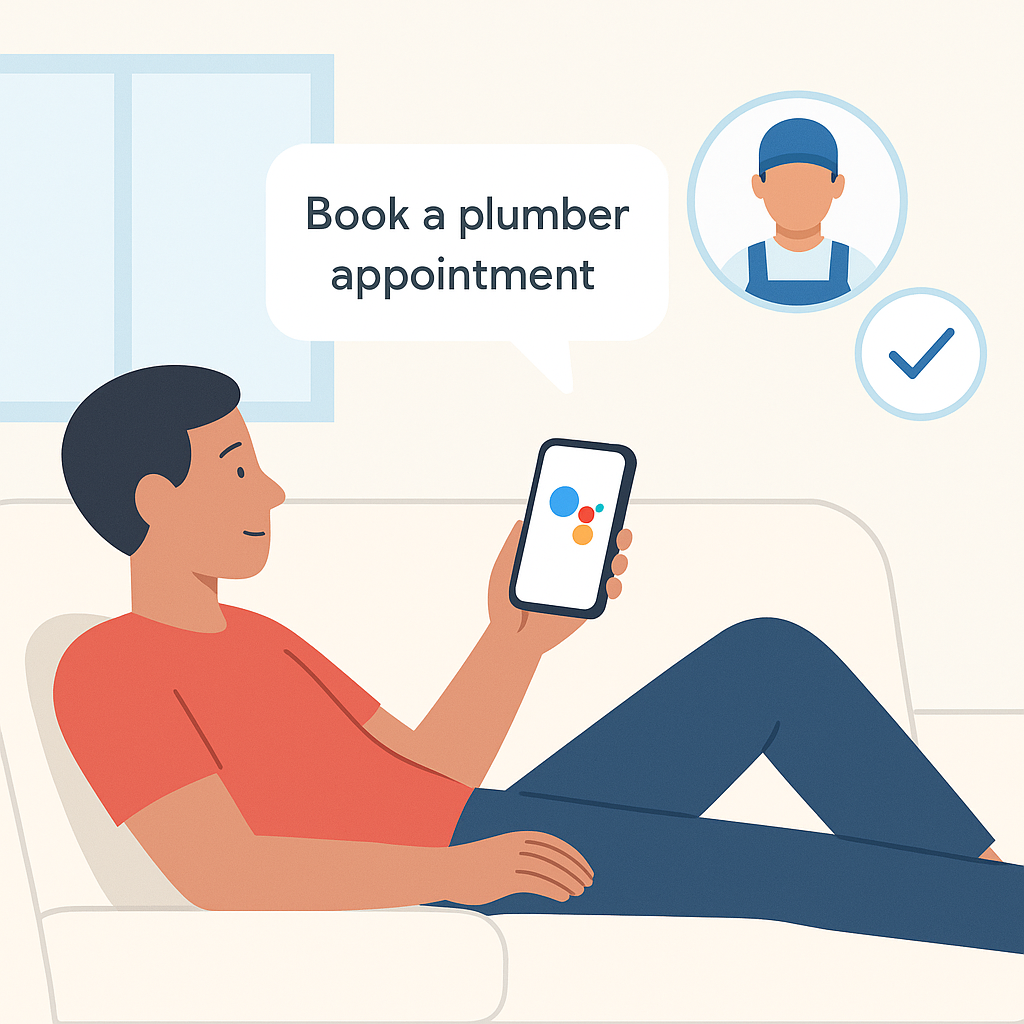
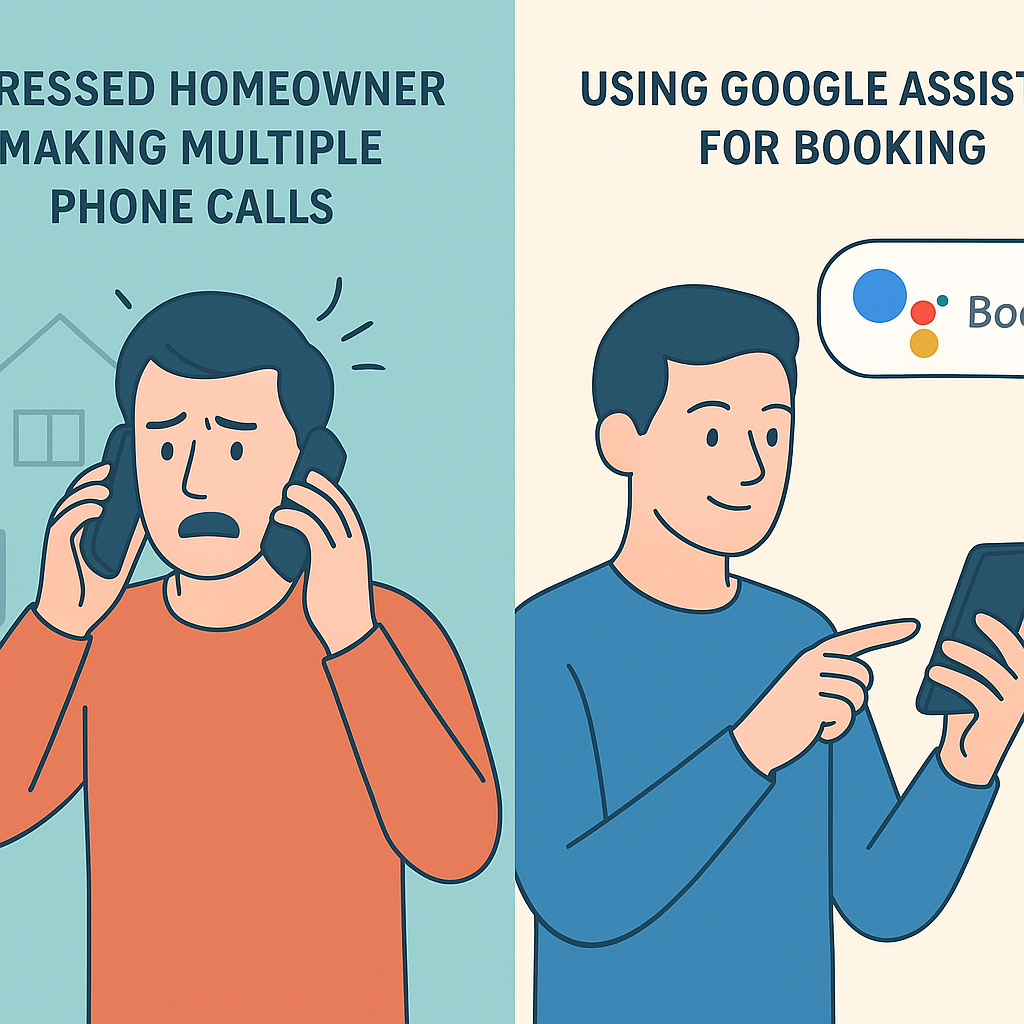
The Old Way vs. The New Way of Booking Local Services
If you’re a homeowner, pet owner, or car owner in Metro Atlanta, you know the drill:
The Old Way (Phone Tag Hell)
- Your water heater leaks at 7 PM
- You Google “plumber Marietta GA emergency”
- You call three numbers from the search results
- First goes to voicemail (“We’re closed”)
- Second puts you on hold for 8 minutes
- Third answers but can’t come until Thursday
- You leave your number, wait for a callback that never comes
- Next morning, you start over while trying to work from home
- Finally book someone for Friday afternoon — after two days of stress
The New Way: Google Ask for Me Appointments (AI Handles It)
- Your water heater leaks at 7 PM
- You tell Google Assistant: “Find a plumber who can fix my water heater today or tomorrow morning”
- Google’s AI calls multiple plumbers simultaneously
- AI checks real-time availability, asks about pricing, confirms service area
- Within 90 seconds, AI reports back: “I found three options: ABC Plumbing can come tonight at 8:30 PM ($150 diagnostic), Joe’s Plumbing has tomorrow 9 AM slot ($95 diagnostic), Rapid Response can do tomorrow 11 AM ($120 diagnostic). Which do you prefer?”
- You say: “Book Joe’s for 9 AM”
- AI confirms the appointment, sends you calendar invite with address and confirmation number
- You go back to watching your show. Done.
This isn’t a future concept. Google launched “Ask for Me” agentic calling in 2025 (official documentation), and it’s actively booking Google Ask for Me appointments for Metro Atlanta residents right now.
What Exactly Is “Ask for Me”? (Plain English Explanation)
“Ask for Me” is Google’s AI-powered assistant that acts as your personal booking agent. Instead of you calling businesses, the AI calls them on your behalf.
Think of it like this: Remember when you could ask a human assistant to “call the plumber and schedule a repair”? That’s what a Google Ask for Me appointments request does — except the assistant is AI-powered, available 24/7, never gets frustrated on hold, and can call dozens of businesses in parallel.
Key capabilities:
- Natural conversations: The AI speaks with human-sounding voices, asks relevant questions, and understands responses
- Multi-tasking: Can call 5-10 businesses simultaneously instead of you making sequential calls
- Smart filtering: Knows which questions matter for each service type (emergency availability for plumbers, breed experience for groomers, insurance work for roofers)
- Appointment management: Books slots, sends confirmations, handles rescheduling, and provides reminders
- Learning preferences: Remembers you prefer morning appointments, want upfront pricing, or need weekend availability
How Google Ask for Me Appointments Work: Step-by-Step Breakdown
Here’s the actual user experience:
Step 1: Make Your Request
You can activate Google Ask for Me appointments through:
- Voice: Say “Hey Google, ask someone to fix my AC” to any Google Assistant device
- Text: Type into Google Search app: “Book an appointment for oil change near me”
- Contextual: When viewing a business in Google Maps, tap “Ask for Me” button to have AI call them
Step 2: Provide Context (Optional But Helpful)
The more details you provide, the better matches the AI finds for your Google Ask for Me appointments:
Vague: “Find a plumber”
Better: “My kitchen sink is clogged and I need someone who can come today”
Best: “I need a plumber in 30062 who can unclog a kitchen sink today, charges under $200 for diagnostic, and has weekend availability”
The AI uses these details to filter businesses and ask targeted questions.
Step 3: AI Makes Calls
Google’s AI places real phone calls to businesses. During each call, the AI:
- Identifies itself as calling on behalf of a customer (transparency requirement)
- Explains the service needed using your provided context
- Asks qualification questions (availability, pricing, service area, specialties)
- Negotiates appointment times based on your preferences
- Confirms booking details before finalizing the Google Ask for Me appointments booking
Call quality: Google’s latest voice models sound remarkably natural. Most business staff don’t realize they’re talking to AI unless explicitly told. The AI handles accents, background noise, and even interruptions smoothly.
Step 4: Review Options & Choose
Within 1-3 minutes (depending on service complexity), the AI presents you with curated options for your Google Ask for Me appointments:
“I called 6 HVAC companies in your area. Three can accommodate you:
- Cool Air Pros: Tomorrow 8 AM, $89 diagnostic, 15 years experience, 4.8 stars (247 reviews)
- Metro Atlanta HVAC: Today 6 PM (emergency rate $150), 24/7 service, 4.6 stars (189 reviews)
- Family Comfort Systems: Thursday 2 PM, free diagnostic with repair, family-owned, 4.9 stars (312 reviews)
All three serve 30062 and specialize in AC repair. Which would you like to book?”
Step 5: Confirm & Receive Details
Once you choose, the AI:
- Finalizes the booking with the business
- Sends you a confirmation with date, time, address, and contact info
- Adds the appointment to your Google Calendar
- Provides reminder notifications (24 hours before, 2 hours before)
- Handles rescheduling if needed (“Hey Google, move my AC appointment to Thursday”)
Why Google Ask for Me Appointments Are a Game-Changer for Busy People
The benefits of Google Ask for Me appointments extend far beyond convenience:
1. Time Savings (Real Numbers)
Average time to book a local service manually: 22 minutes (Googling, calling multiple businesses, waiting on hold, comparing options, scheduling).
Average time with **Google Ask for Me appointments**: **3 minutes** (Making request, reviewing options, confirming choice).
Time saved per booking: 19 minutes. If you book 4 services per year (HVAC tune-up, plumbing repair, oil change, grooming), that’s 76 minutes reclaimed. For busy parents, professionals, or anyone juggling multiple responsibilities, this compounds quickly.
2. Reduced Decision Fatigue
The AI pre-filters options based on your criteria. Instead of researching 20 businesses yourself, you get 3-5 curated choices for your Google Ask for Me appointments. This eliminates the paralysis of too many options.
3. Better Availability Discovery
The AI can call businesses outside normal hours or check last-minute cancellations you’d never find manually. One user reported getting a same-day dental appointment at 4 PM because the AI caught a cancellation slot that would’ve gone unfilled.
4. Price Transparency
The **Google Ask for Me appointments** system asks about pricing upfront and reports back before you book. No more surprise fees when the technician arrives. You can compare diagnostic costs, hourly rates, or package deals across multiple providers instantly.
5. Accessibility Benefits
For people with social anxiety, hearing impairments, or language barriers, **Google Ask for Me appointments** remove friction. The AI handles all phone conversations, and you interact through text or voice commands in your preferred language.
Real-World Use Cases for Metro Atlanta Residents
Here are specific scenarios where **Google Ask for Me appointments** shine:
Emergency Home Services
- Scenario: Water heater bursts at 10 PM on Sunday
- Traditional approach: Frantically call emergency plumbers, most don’t answer, finally reach one who charges 3x normal rate
- “Ask for Me” approach: “Find a plumber who can handle a water heater emergency tonight in 30062, preferably under $300”
- Result: AI finds 2-3 emergency services, compares rates, books the best option within 2 minutes for your **Google Ask for Me appointments**.
Regular Maintenance Appointments
- Scenario: Need annual HVAC tune-up before summer
- Traditional approach: Remember to call, spend lunch break on hold, schedule around technician’s availability
- “Ask for Me” approach: “Schedule an AC tune-up sometime in the next two weeks, morning appointments preferred”
- Result: AI finds openings that match your schedule, books it, adds to calendar with reminders for your Google Ask for Me appointments.
Pet Care Services
- Scenario: Need groomer experienced with large breeds for your German Shepherd
- Traditional approach: Call groomers one by one, ask about breed experience, compare pricing and availability
- “Ask for Me” approach: “Find a pet groomer near 30066 who handles German Shepherds, offers nail trimming and deshedding, available this weekend”
- Result: AI filters for breed-experienced groomers, confirms services and pricing, books Saturday slot.
Auto Maintenance
- Scenario: Car needs oil change and tire rotation
- Traditional approach: Check dealer vs. independent shops, call for quotes, find appointment that fits work schedule
- “Ask for Me” approach: “Book an oil change and tire rotation for my 2019 Honda CR-V, looking for best price within 10 miles, weekday evenings work best”
- Result: AI compares dealer and independent shops, finds best value, books after-work appointment for your **Google Ask for Me appointments**.
Beauty & Wellness
- Scenario: Need haircut before wedding, specific stylist preference
- Traditional approach: Check salon websites, call to verify stylist availability, potentially leave voicemails
- “Ask for Me” approach: “Find a stylist at [Salon Name] or similar rated 4.5+ stars who does women’s cuts, available Friday afternoon”
- Result: AI checks multiple salons, confirms stylist credentials and availability, books appointment.
Home Improvement Projects
- Scenario: Want quotes for roof inspection after storm
- Traditional approach: Research roofing companies, call each, schedule separate inspection times, wait days for quotes
- “Ask for Me” approach: “Find 3 roofing companies in Cobb County who do free inspections, can come this week, and handle insurance claims”
- Result: AI books multiple inspections on different days, provides comparison framework.
Google Ask for Me Appointments: When NOT to Use (Important Limitations)
While powerful, Google Ask for Me appointments aren’t perfect for every situation:
Complex Custom Work
If you need detailed explanations or custom solutions, human-to-human conversation still wins. Example: “I want a custom built-in bookshelf for my irregularly-shaped living room wall” requires back-and-forth discussion that AI can’t fully replicate yet.
High-Stakes Medical Decisions
While the AI can book doctor appointments, don’t use it for medical symptom descriptions or treatment decisions. Book the appointment via AI, then discuss your condition directly with the healthcare provider.
Price Negotiation
The AI reports prices but doesn’t negotiate. If you’re looking for discounts, bulk pricing, or payment plan discussions, you’ll need to handle that conversation yourself after booking your Google Ask for Me appointments.
Businesses That Don’t Answer Unknown Numbers
Some high-end or specialized businesses screen calls aggressively and may not answer AI-generated calls. In these cases, traditional booking (website forms, referrals) may work better.
When You Want Personal Recommendations
The AI filters by ratings and availability but can’t provide nuanced advice like “This plumber is great for emergencies but pricey for routine work” or “This groomer is amazing with anxious dogs.” For subjective recommendations, ask friends or read detailed reviews before making a Google Ask for Me appointments request.
Privacy & Security: What You Should Know
Legitimate concerns arise when AI handles your Google Ask for Me appointments. Here’s what Google discloses:
What Data Does Google Collect?
During Google Ask for Me appointments interactions, Google processes:
- Your spoken or typed requests
- Call recordings (for quality and training, with consent disclosures)
- Appointment details (business name, date, time, service type)
- Location data (to find nearby businesses)
- Calendar integration data (if you enable it)
How Long Is Data Retained?
Google retains call recordings and interaction data according to your Google Account settings. You can:
- Delete individual interactions via My Activity
- Disable activity tracking entirely (though this limits AI learning)
- Set auto-deletion after 3, 18, or 36 months
Does the Business Know It’s AI?
Google requires the AI to identify itself as an automated assistant when asked directly about your Google Ask for Me appointments. However, the AI doesn’t always volunteer this information upfront unless the business asks. This transparency policy is evolving, so expect clearer disclosures over time.
Can Businesses Opt Out?
Currently, businesses cannot opt out of receiving AI calls if their phone number is publicly listed in Google Business Profile. However, they can report problematic interactions or request removal if calls become abusive (rare).
Security Best Practices for Users
- Don’t share sensitive information (SSN, credit card numbers) during AI calls — businesses shouldn’t need this for booking your **Google Ask for Me appointments**.
- Review call recordings periodically in My Activity
- Use strong Google Account security (2FA, recovery email)
- Check appointment confirmations match what you requested
- Report suspicious business behavior through Google Maps
Pro Tips for Getting the Best Results
Maximize **Google Ask for Me appointments** effectiveness with these strategies:
Tip 1: Be Specific About Timing
Instead of “sometime this week,” say “Tuesday or Wednesday morning between 8-11 AM.” The AI can match precise windows better than vague ranges for your Google Ask for Me appointments.
Tip 2: Set Price Expectations Upfront
“Looking for oil change under $50” prevents the AI from booking premium-priced services you didn’t want. You can always upgrade later, but starting with budget constraints saves time during your Google Ask for Me appointments interaction.
Tip 3: Mention Dealbreakers
“Must accept pets over 50 lbs” or “Need Spanish-speaking technician” or “Require weekend availability” — these filters eliminate mismatches before booking your Google Ask for Me appointments.
Tip 4: Use Past Preferences
If you’ve used Google Ask for Me appointments before, reference previous bookings: “Same groomer I used last month for my golden retriever” or “Book another AC tune-up like the one you scheduled in March.”
Tip 5: Enable Calendar Integration
Connect Google Calendar to automatically add appointments and receive reminders. This prevents double-booking and ensures you show up on time for your Google Ask for Me appointments.
Tip 6: Follow Up on Complex Bookings
For high-value services (roof replacement, major renovations), use AI to book initial consultations, then communicate directly with the provider for detailed discussions.
Tip 7: Leave Reviews for AI-Booked Services
After your Google Ask for Me appointments complete, leave Google reviews mentioning your experience. This helps the AI learn which businesses provide quality service and improves future recommendations for everyone.
The Bottom Line: Embrace the Convenience (Wisely)
Google’s “Ask for Me” represents a fundamental shift in how we interact with local services. For busy Metro Atlanta residents juggling work, family, and home maintenance, the time savings and reduced friction of Google Ask for Me appointments are genuinely valuable.
Best use cases: Routine maintenance, emergency services, appointments requiring minimal customization, situations where speed matters more than deep consultation.
Stick with traditional booking when: You need detailed consultations, want to build personal relationships with providers, are negotiating complex projects, or prefer human-to-human interaction for important decisions.
The sweet spot? Use **Google Ask for Me appointments** for 80% of routine bookings (oil changes, grooming, HVAC tune-ups, simple repairs), and reserve personal calls for the 20% of services that require nuanced discussion.
Your time is valuable. Let AI handle the phone tag while you focus on what actually matters.
Have you tried Google’s “Ask for Me” feature? Share your experience in the comments — good, bad, or weird. We read every response and update our guides based on real user feedback.
Related Reading:
- Contractors reading this: learn how to get selected by the AI at Google Ask for Me AI: How to Get Selected for Bookings
- Discover broader automation opportunities: The Invisible Employee: How AI Automation for Local Business Buys Back Your Time
- Learn about self-healing marketing systems: Building a Self-Healing Marketing System: The BestFoundLocal Way
Want more local tech tips? Subscribe to our newsletter for monthly updates on tools and services that make Metro Atlanta life easier. No spam, just practical insights for homeowners and residents.
